My Anki Template for Learning Chinese
I have just finished my first semester of Chinese, and Anki has helped me tremendously to learn Chinese characters. I finally have a relatively simple but effective Anki note template which incorporates stroke order animations and audio.
Template Features
Front Card
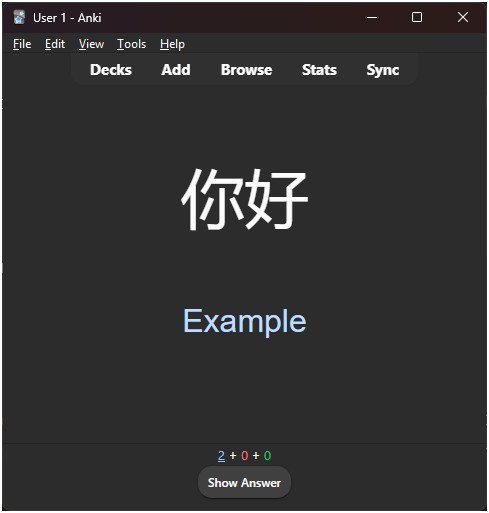
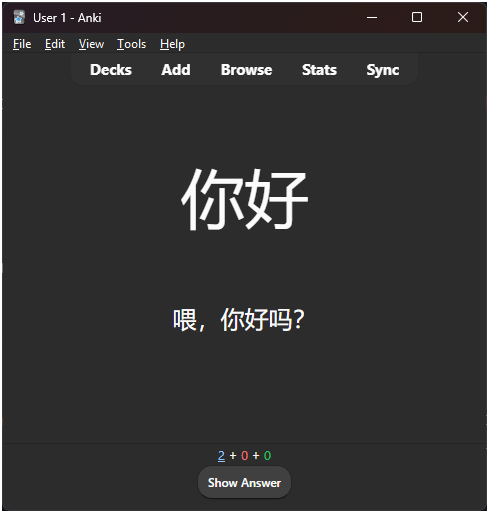
The front has the Chinese characters and, optionally, an example sentence/phrase. The example is initially hidden and needs to be manually revealed to avoid relying on it too much for memorization.
Back Card
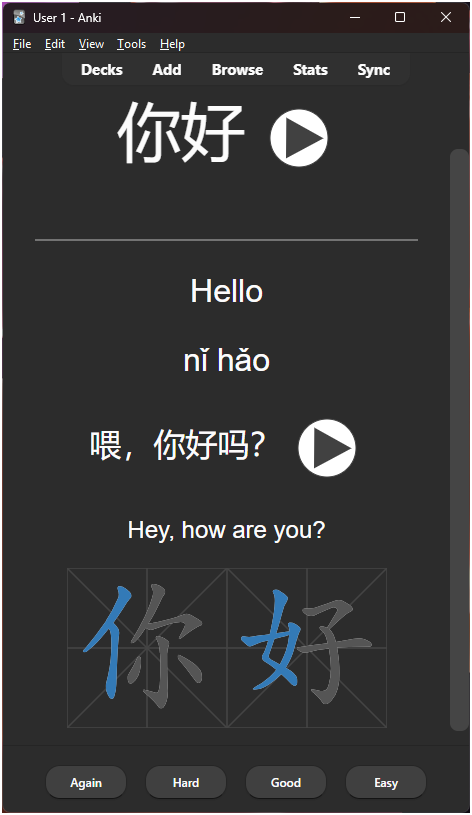
The back has the translation of both characters and the example, pinyin, and the stroke order animations. The highlighted part of the animations is the character’s radical. The stroke order animations are made possible using the excellent Hanzi Writer library.
When you reveal the back card, both characters and the example will be read using text-to-speech (TTS). Using TTS is of course inferior to using audio files recorded by native speakers, but it adds zero storage requirements and is very easy to add in Anki.
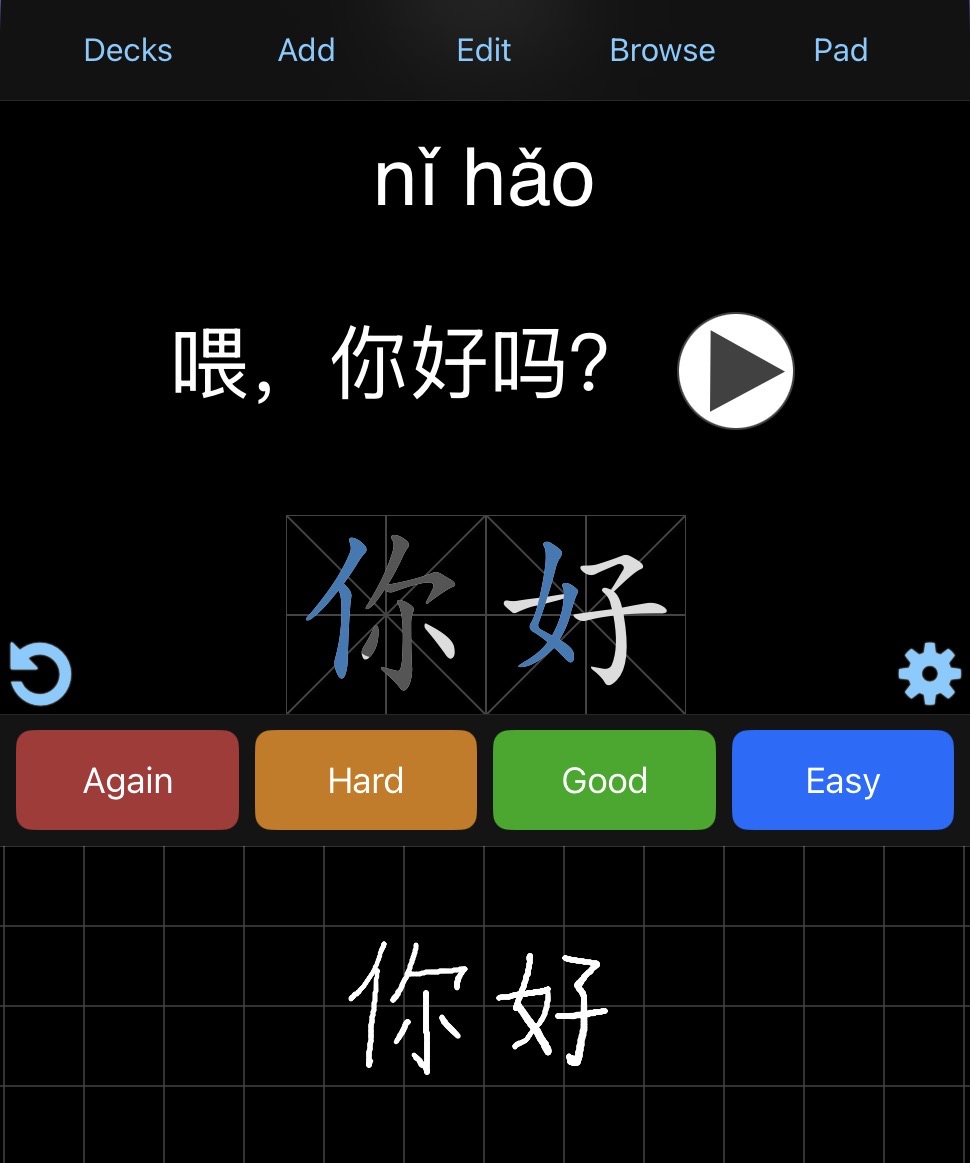
Additionally, if you are using AnkiMobile, then you can enable the scratchpad feature and practice the characters right in the app! This is especially useful if you are using a tablet with a stylus.
Get the Template
The easiest way to get the note template is to import an Anki deck that uses that template. Download the file “Chinese Template.apkg” from https://github.com/tg2648/anki-chinese-template and import it into your Anki. This will add the “Chinese - Basic (optional reversed card)” note type, which you can start using in your own decks. The imported deck can then be deleted.
Alternatively, the link above also contains the HTML code for the template if you simply want to see how it is built.
Configuring Text-to-Speech
Text-to-speech should work on mobile without any configuration. On desktop, you might need to add a voice package.
Windows
- Go to Settings -> Time & language -> Speech
- Under “Manage voices”, click “Add voices” and select Chinese
MacOS
- Go to System Settings -> Accessibility -> Read & Speak
- Under System voice, click on the
(i)icon - Click on Chinese on the left side and then on Mandarin on the right side (see the screenshot)
- Click on Voice, which should give you lots of options to choose from. The template is configured to use Han (Premium) and Tingting voices.
If you want to change which voice is used by text-to-speech, you will need to modify the template (see the Anki Manual).
Reverse Cards
When you add new cards, you will see an optional field called “Add Reverse”. If you leave it blank, then you will only be tested on Front -> Back (e.g., 你好 -> Hello). If you do not leave it blank, then you will be tested on Back -> Front (e.g., Hello -> 你好) as well.
Gotchas
The stroke order feature does not work offline since Anki needs to download the stroke order library from the internet.
Additionally, when creating new cards and copy-pasting characters, it’s important to remove any formatting.
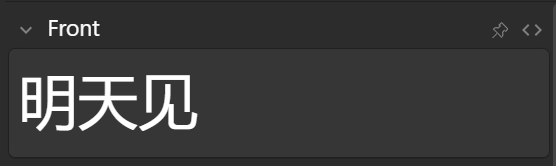
In the screenshots below, the characters at first appear unformatted. However, if you click on the <> button to toggle the HTML editor, you will see some extra text, which will prevent the stroke order animations from working.
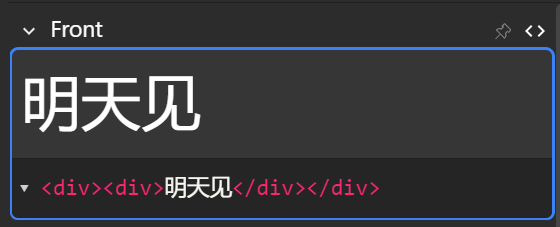
One solution is to have the HTML editor open when creating new cards and paste characters there, which will automatically remove any formatting.